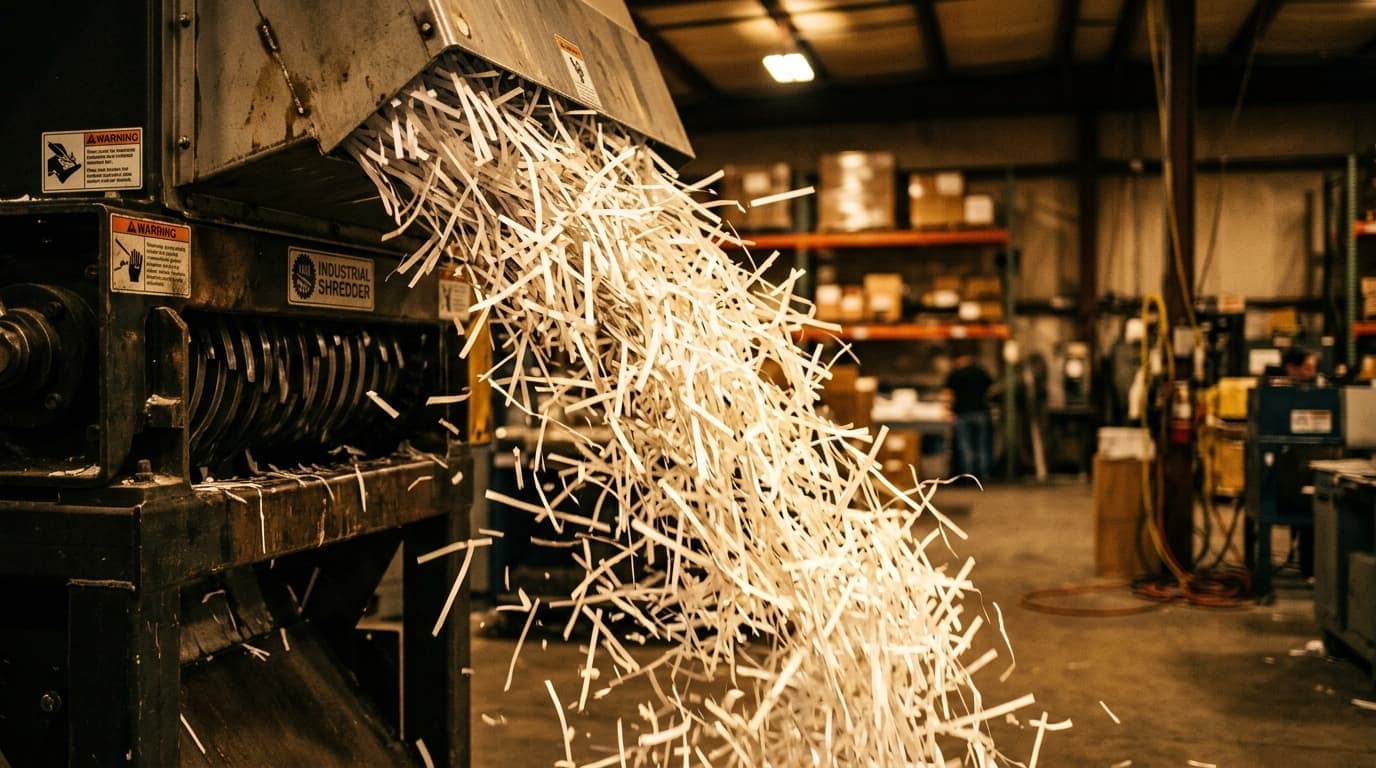
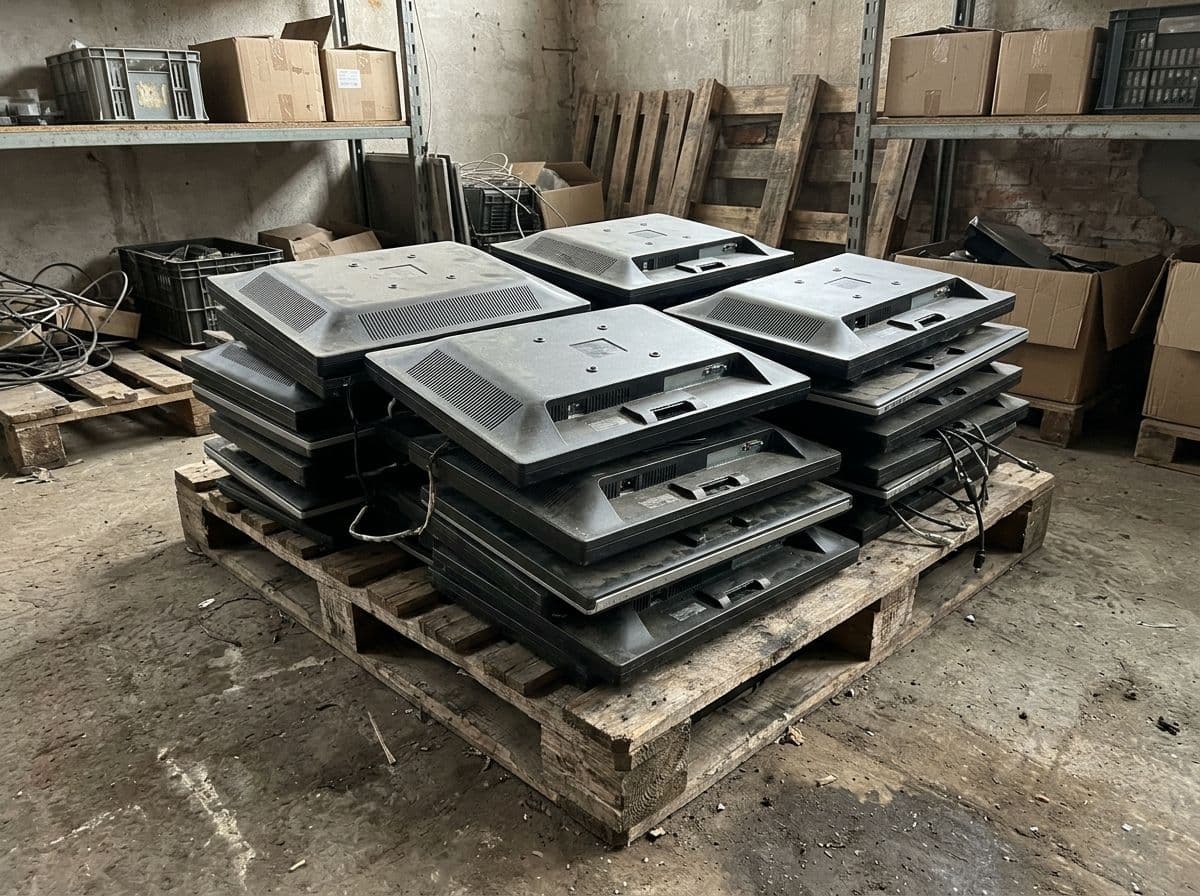
The short answer. A Georgia business disposes of old desktop computers by destroying or removing the storage drive, then sending the tower, power supply and cabling to an electronics recycler that documents the collection. American Resources picks up desktop computers from businesses across metro Atlanta, destroys the drives, and gives you a certificate of destruction.
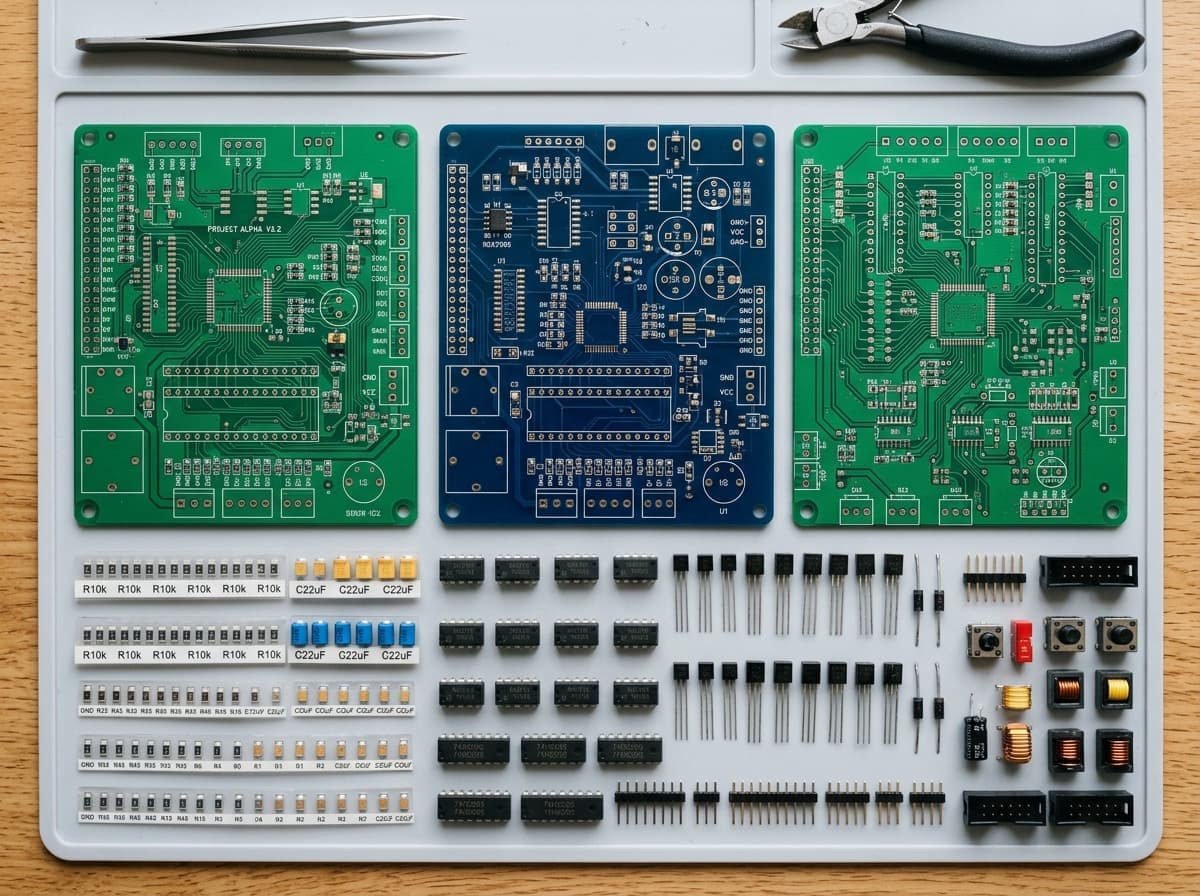
A desktop is four things in one box: a hard drive or SSD that holds data, a circuit board and processor that hold recoverable metals, a steel or aluminum case, and a power supply with capacitors and copper. Only the first one is a risk. The rest is material. The whole job is to separate the risk from the material with a record in between.
#Step one: the drive
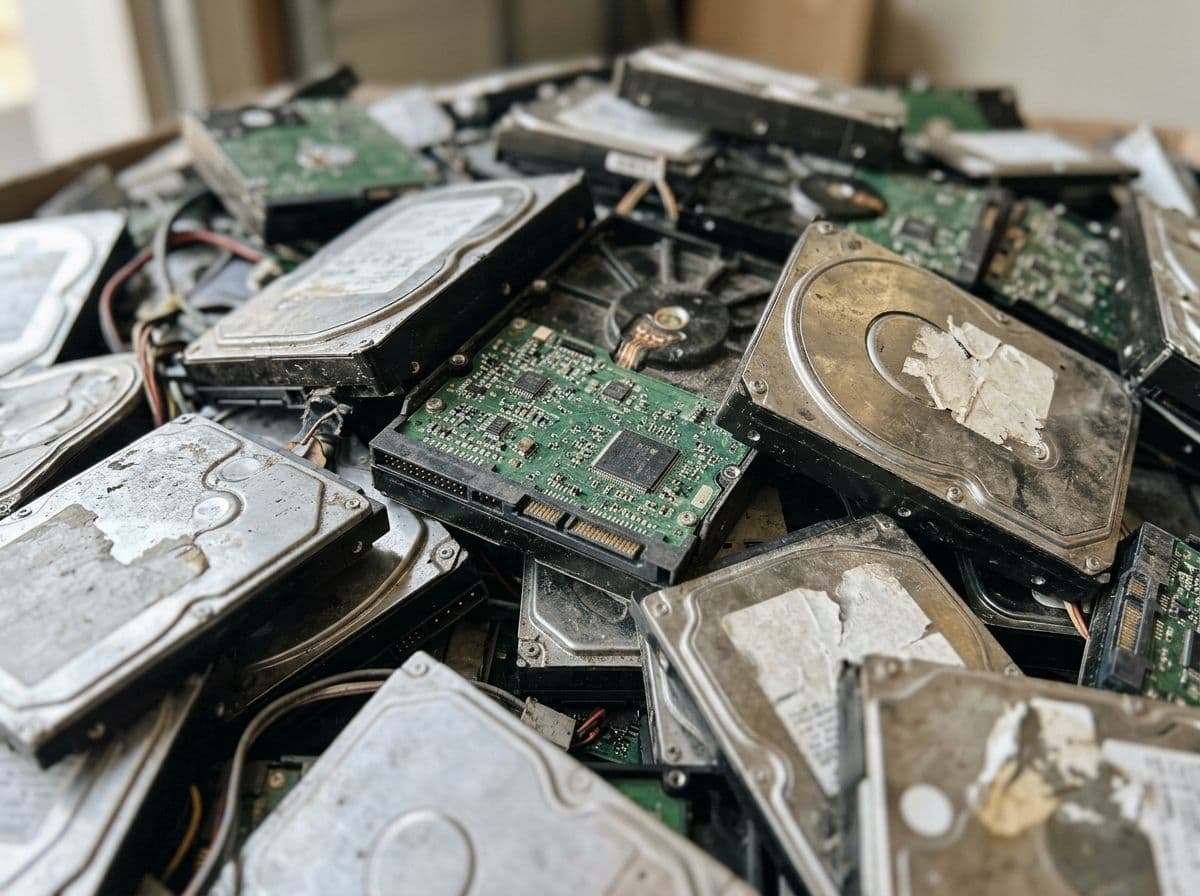
Every desktop that has been used for work is a data-bearing device, whatever its age. The drive is either destroyed, wiped to a documented standard, or pulled and kept. NIST's media sanitization guide sets the three levels, Clear, Purge and Destroy, and warns that for some devices "manufacturer resets and procedures that do not include rewriting may be the only clear sanitization technique options." A reinstalled operating system is not a wiped drive. The full explanation is in our hard drive guide.
#Step two: count what you have
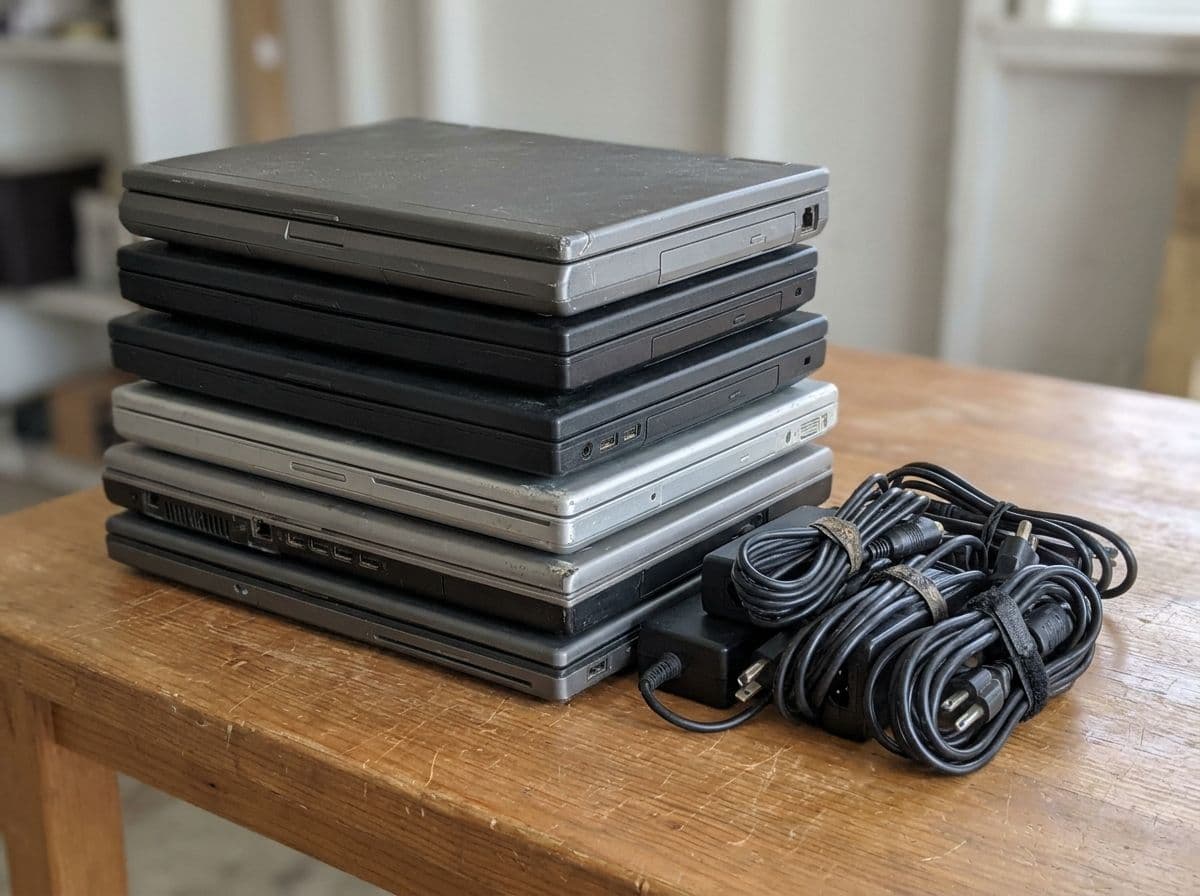
For a quote and a clean manifest, a recycler needs three numbers: how many towers, how many still have drives in them, and how many monitors and peripherals travel with them. Monitors sit under different rules, especially old tube monitors; the monitor guide covers them. Keyboards, mice, cables and speakers go in the same load and need no separate handling.
#Step three: choose the route
County drop-off works for one or two machines. Cobb County's transfer station in Marietta lists computers and monitors among items that "may be dropped off for a fee." You get no manifest and no drive destruction, so the drive has to be dealt with before you go.
Manufacturer take-back programs accept the brand's own machines, usually one at a time and often with shipping on your side.
A business recycler with pickup collects the whole lot at your office or dock, destroys or returns the drives, and gives you a document that lists what left the building. For a business, that document is the point.
#What Georgia adds
Nothing specific. Georgia has no state e-waste statute; its hazardous waste rules adopt the federal rules by reference. Georgia's landfill bans cover lead-acid batteries, whole tires and yard trimmings, not computers., What binds a business is the data: consumer report information must be disposed of so that it "cannot practicably be read or reconstructed", and customer information at a financial institution must be securely disposed of "no later than two years after the last date the information is used." The wider picture is in the Georgia e-waste regulations guide.
#Before the truck arrives
Sign every machine out of your asset register. Unplug and coil cables. Do not open the cases to pull drives yourself unless you already do that as a matter of routine; it avoids the loose drive that ends up in a desk drawer. Flag any machine that was used for finance, HR or patient records so its drive goes straight to physical destruction.
Ready to clear the storage room? Request an electronics recycling quote or send a rough count through the contact form.