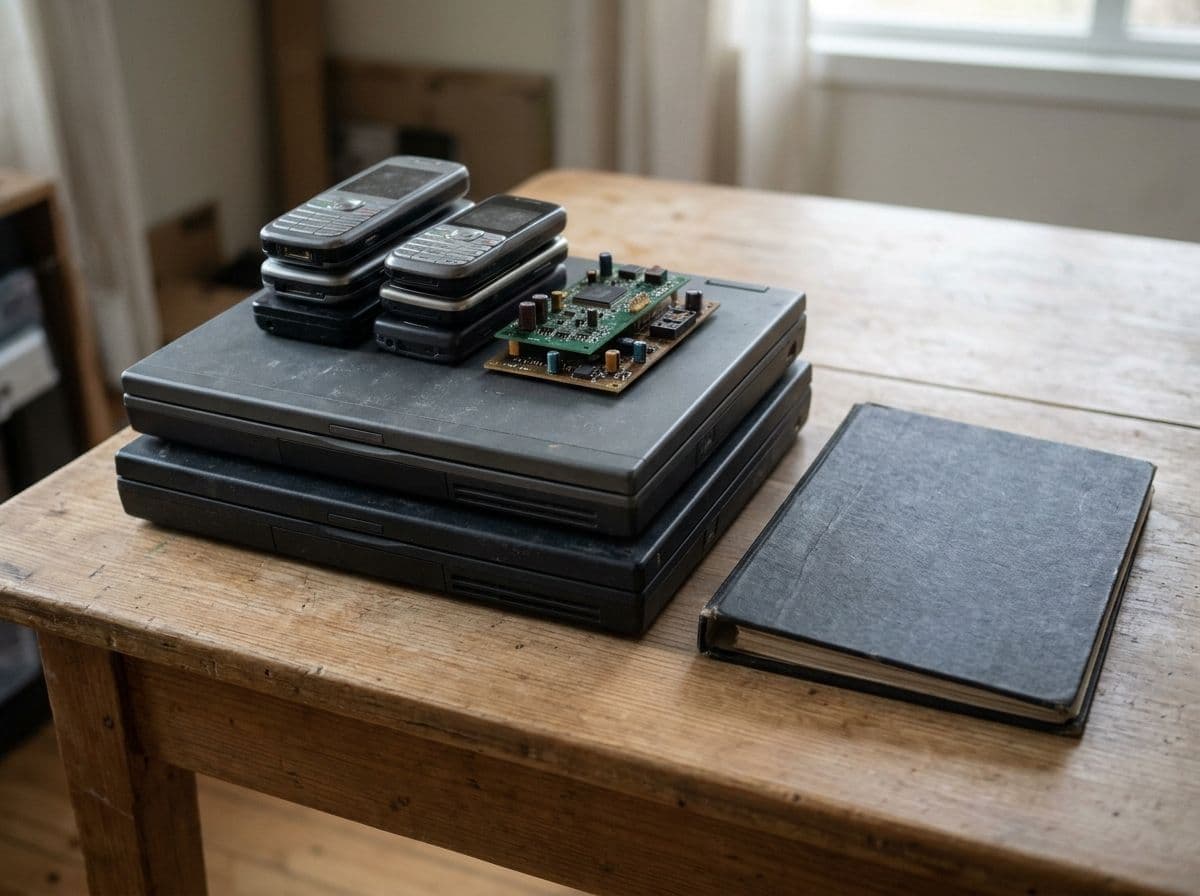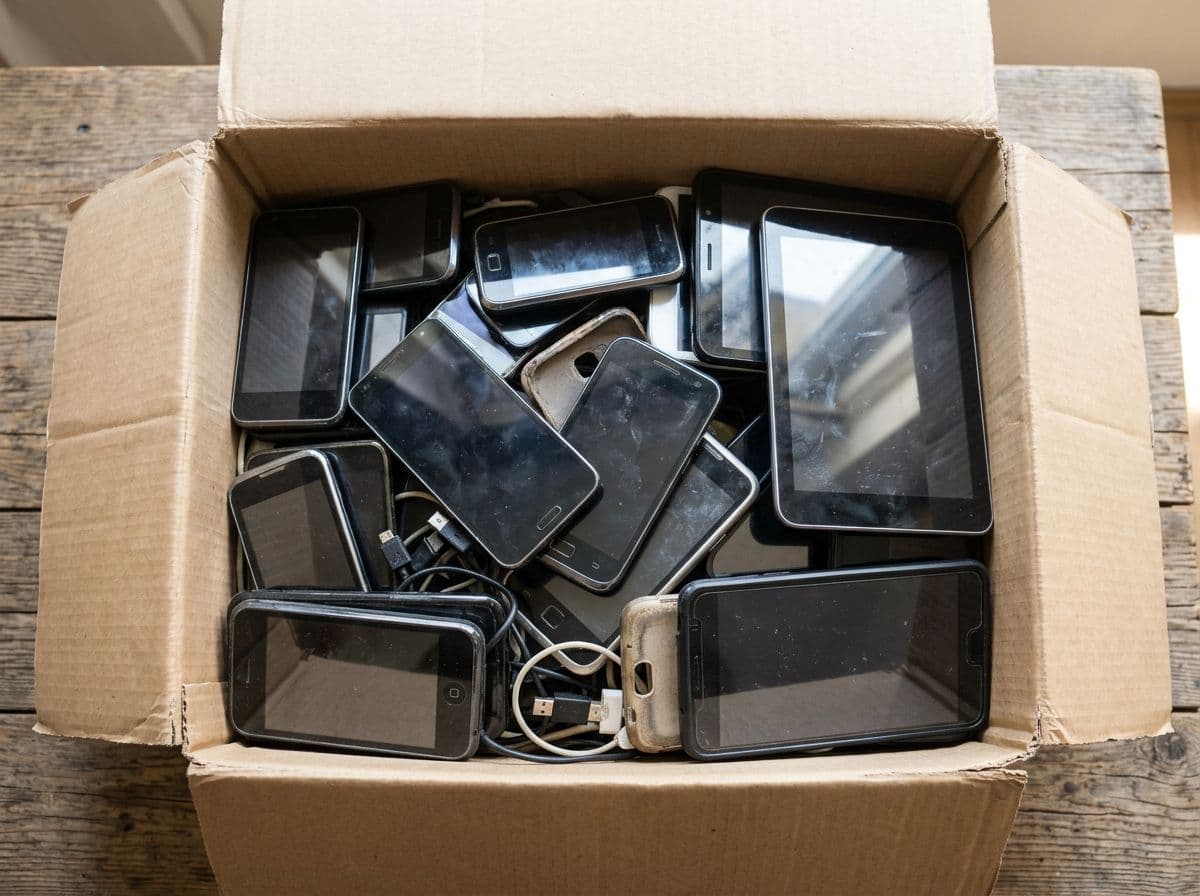
The short answer. A Georgia business disposes of old cell phones and tablets by wiping each device, removing SIM and memory cards, and sending the devices to an electronics recycler that handles the lithium-ion battery safely and documents the collection. American Resources picks up retired phones and tablets from businesses across metro Atlanta, destroys the storage, and gives you a certificate of destruction.
A drawer of old company phones is two problems in one small package. Each one holds email, messages, photos and often a logged-in session to every system the employee used. Each one also holds a lithium-ion battery that becomes a fire risk the moment it is crushed. The first problem is handled before the phone leaves your hands; the second is handled by where you send it.
#Before the phone leaves the employee
The Federal Trade Commission's guidance for individuals is the right checklist for a business too. Back the device up: "First, back up your phone so you have a copy of your information." Remove the SIM: "If your phone has a SIM card, it may store your personal information. Remove the SIM card." Then erase it: restore or reset the device to remove "contacts, text messages, photos, videos, search history, and browsing history." For a company device add two steps the FTC's consumer page does not need: sign the device out of your mobile device management system and every corporate account first, so the reset is not blocked by an activation lock, and pull any memory card.
#Is a factory reset enough?
On a modern phone or tablet where storage was encrypted from first use, a factory reset destroys the encryption key, which is the mechanism NIST describes as cryptographic erase, a Purge-level technique. On older devices, or devices where you cannot confirm encryption was on, a reset is only a Clear, and NIST notes that for some devices "manufacturer resets and procedures that do not include rewriting may be the only clear sanitization technique options." The practical rule for a business: reset every device, and for devices that held regulated data, or any device you cannot vouch for, have the recycler physically destroy the storage and list the device on a certificate of destruction.
#The battery
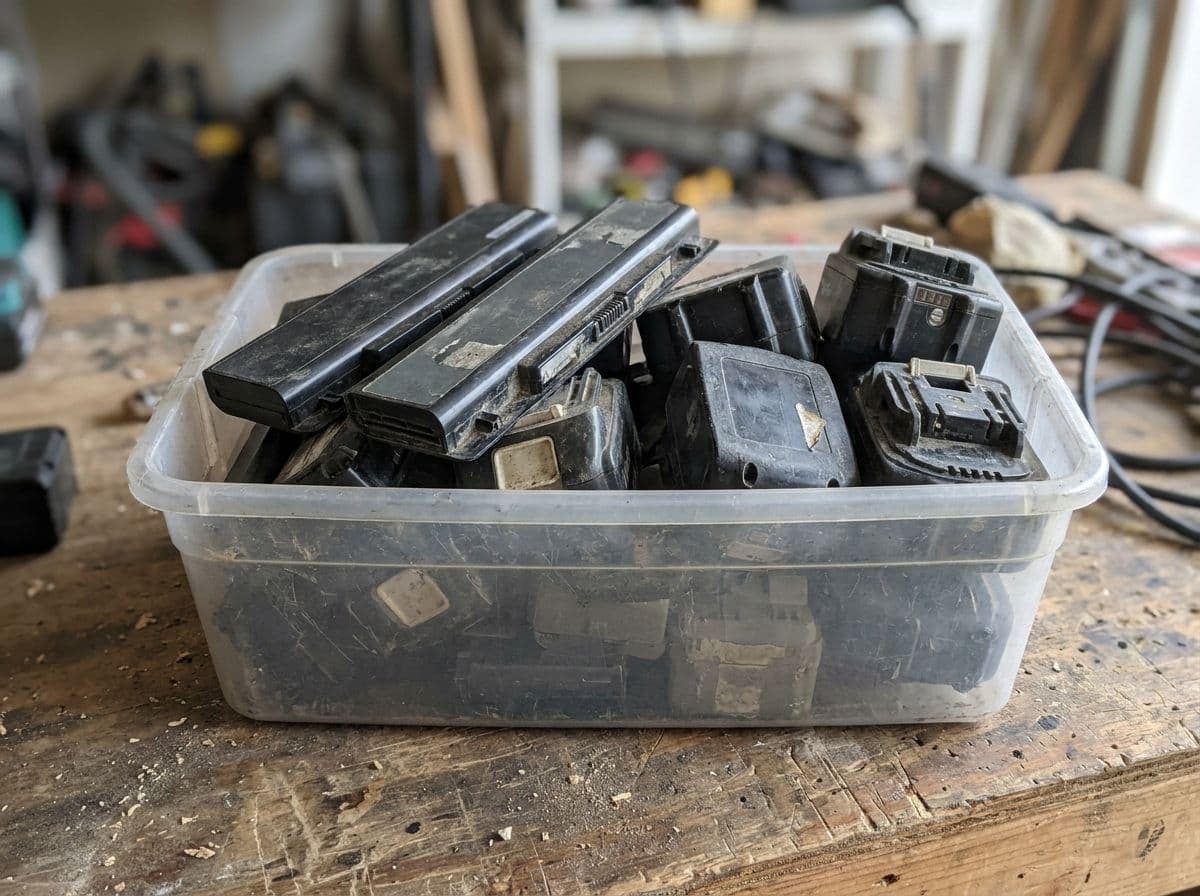
Phones and tablets are on the EPA's list of products that carry lithium-ion batteries, alongside "toys, wireless headphones, handheld power tools, small and large appliances, electric vehicles and electrical energy storage systems." The EPA's warning is about the bin: a battery or device "disposed of in the trash or placed in the municipal recycling bin with household recyclables such as plastic, paper or glass" may "become damaged or crushed in transport or from processing and sorting equipment, creating a fire hazard." An EPA study found 64 waste facilities with 245 fires "caused by, or likely caused by, lithium metal or lithium-ion batteries" between 2013 and 2020. A phone in an office trash can is a small version of that problem. Our lithium-ion battery guide covers swollen and damaged batteries, which need separate handling.
#How it works
Gather the devices in one container, not loose in a box with other electronics. Devices with swollen backs or cracked cases go in their own bag and are flagged. Give us a count and, if you keep one, the asset list.
- Tell us what you have: Device types and rough counts. Photos help.
- Get a quote: Our team will get back to you.
- We pick it up: Drives and other storage are destroyed, and you get a certificate of destruction.
#What Georgia law says
Georgia has no state law on phone disposal. Its hazardous waste rules adopt the federal rules, including the universal waste rules for batteries, by reference. The obligations a business carries are the ones attached to the data, covered in the Georgia e-waste regulations guide.
Have a drawer to clear? Request an electronics recycling quote or send a count through the contact form.